Microsoft Flight Simulator 2024 can look intimidating when you first open it. Modern aircraft have complex cockpits, there are dozens of control assignments, and even a simple takeoff can feel difficult when you are learning everything at once.
The good news is that you do not need an expensive home cockpit or advanced aviation knowledge to begin. Start with a simple aircraft, learn a few essential controls and add complexity gradually.
Quick answer: A beginner can start Microsoft Flight Simulator 2024 with a compatible PC or Xbox setup and basic controls. A joystick is a popular first hardware upgrade, while a yoke, throttle quadrant and rudder pedals can be added later if you want a more complete simulator setup.
What Is Microsoft Flight Simulator 2024?
Microsoft Flight Simulator 2024 is a modern flight simulation platform designed to let users experience a wide range of aviation activities in a virtual environment.
For a beginner, the important part is not trying to understand every feature immediately.
Your first objective should simply be learning how to control an aircraft consistently.
What Do You Need to Start?
🖥️ Platform
A compatible system capable of running the simulator.
🎮 Controls
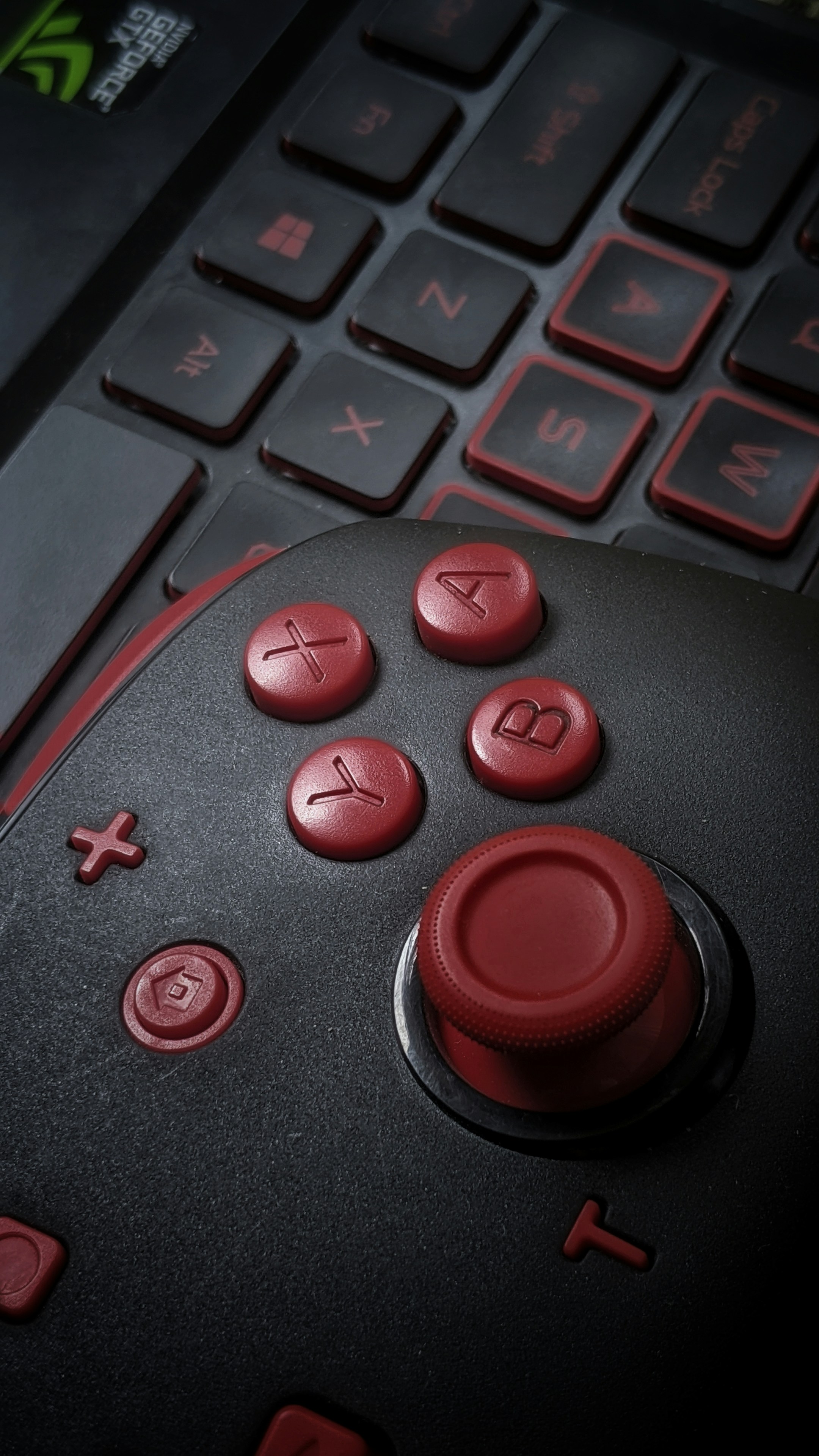
A controller, joystick, yoke or other compatible input device.
🖱️ Mouse & Keyboard
Useful for menus, cockpit interaction and additional commands.
🎧 Audio
Speakers or a headset can make the experience more immersive.
1. Don’t Build an Expensive Cockpit Yet
One of the easiest mistakes is buying too much equipment before you know what type of simulated flying you actually enjoy.
Someone interested primarily in small general aviation aircraft may eventually prefer a yoke and throttle setup.
Someone who enjoys aircraft controlled with a stick may prefer a joystick or HOTAS-style setup.
You may also discover that a simple controller is enough for casual flying.
Start simple. Upgrade your simulator based on the aircraft you actually enjoy flying rather than buying every accessory before your first flight.
2. Controller vs Joystick vs Yoke
| Control | Best For | Beginner Consideration |
|---|---|---|
| Game Controller | Casual flying and simple setups | Easy way to start if you already own one |
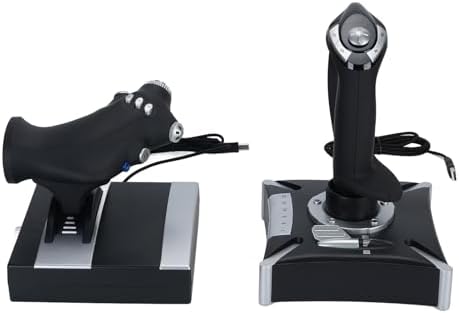
| Joystick | Versatile simulator setups | Often a practical first dedicated flight control |
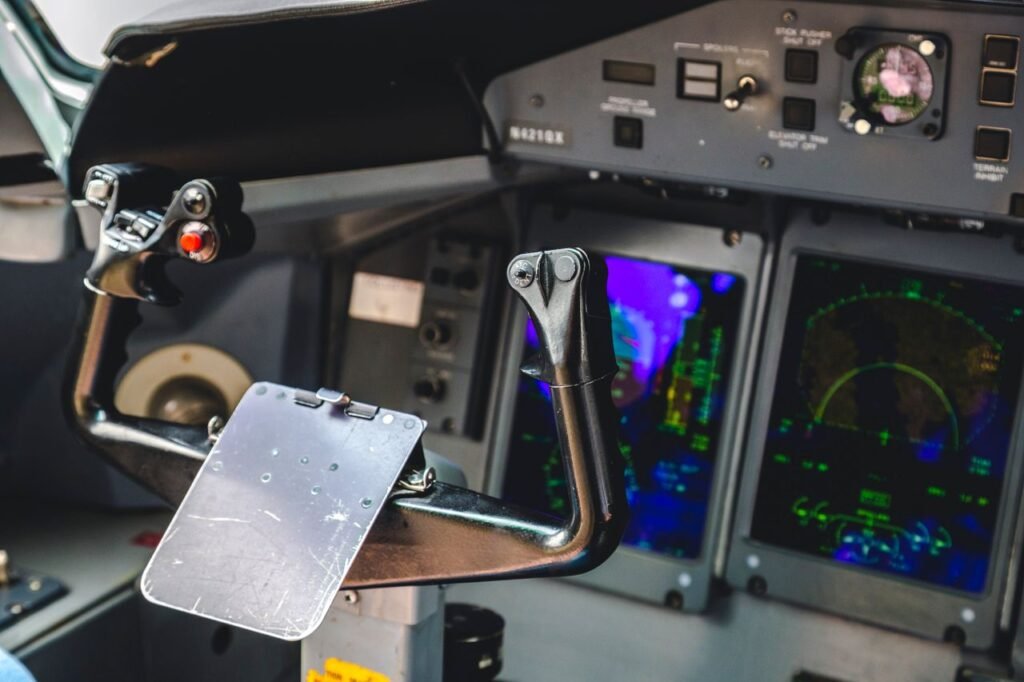
| Yoke | Aircraft that use yoke-style controls | Can create a more familiar general aviation or airliner-style feel |
| HOTAS | Hands-on throttle-and-stick setups | Provides separate throttle control and additional buttons |
3. What Does a Joystick Control?
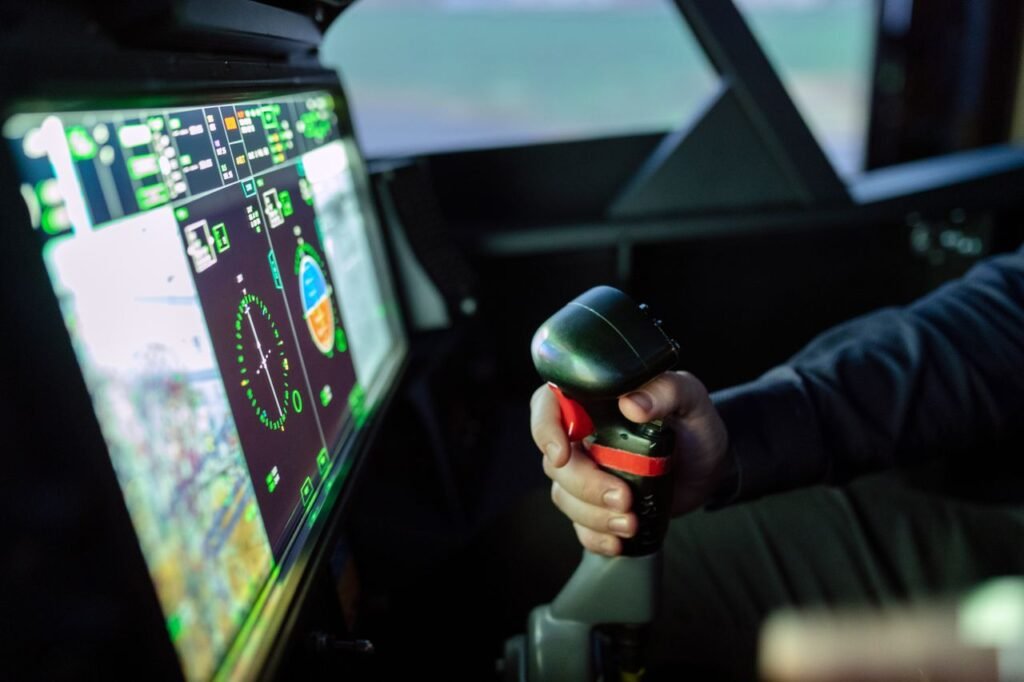
The joystick primarily allows you to control pitch and roll.
Moving the stick forward or backward affects pitch, while moving it left or right commands roll.
Many flight-simulator joysticks also include a twist axis that can be assigned to rudder control.
That can make a joystick a compact all-in-one solution for beginners who do not yet own rudder pedals.
4. What Does a Yoke Do?
A simulator yoke performs a similar basic control function but uses a different physical design.
Push or pull to control pitch and rotate the yoke to command roll.
For users interested in aircraft that use yokes in the real world, this type of control can make the simulator feel more familiar.
5. Do You Need a Throttle?
You need a way to control engine power, but you do not necessarily need a separate throttle quadrant on day one.
Many joysticks include a small built-in throttle axis.
A dedicated throttle becomes more attractive as you want additional physical controls and a more immersive setup.
6. Do Beginners Need Rudder Pedals?
Not necessarily.
You can begin without dedicated rudder pedals if your control setup provides another way to command the rudder.
However, pedals can become a valuable upgrade as you become more interested in coordinated control, taxiing and a more complete simulation experience.
7. Start With a Simple Airplane
Do not make your first simulator flight unnecessarily difficult.
A relatively simple single-engine aircraft allows you to focus on basic control instead of immediately dealing with complex aircraft systems.
Your first objectives can be very simple:
- Taxi without losing control
- Take off
- Maintain a stable climb
- Turn left and right
- Maintain approximate altitude
- Reduce power
- Approach the airport
- Land
8. Learn the Three Basic Aircraft Movements
Understanding pitch, roll and yaw makes flight controls much easier to understand.
↕️ Pitch
The aircraft nose moves up or down.
↔️ Roll
The aircraft banks left or right.
🔄 Yaw
The aircraft nose moves left or right around its vertical axis.
⚡ Power
Throttle controls the engine power setting appropriate to the simulated aircraft.
9. Learn Only the Essential Buttons First
A simulator can offer an enormous number of control assignments.
You do not need to memorize all of them.
Start by locating controls for:
- Pitch and roll
- Rudder
- Throttle
- Brakes
- Flaps
- Trim
- Landing gear when applicable
- Camera controls
- Pause or simulator menus
Add more assignments when you actually need them.
10. Why Is Trim Important?
New simulator users often fight the controls continuously because they ignore trim.
Trim helps reduce the control pressure required to maintain a desired flight condition.
In a simulator, learning to make small trim adjustments can make the aircraft much easier to manage.
Avoid treating trim like an elevator button. Establish the desired attitude and power, then use trim appropriately to reduce the need for constant control input.
11. Calibrate Your Controls
If your aircraft constantly drifts, reacts too aggressively or does not respond correctly, check the controller configuration.
Depending on your hardware and simulator settings, you may need to review:
- Axis assignments
- Sensitivity
- Dead zones
- Duplicate control assignments
- Throttle direction
- Rudder assignment
If one control seems to behave strangely, check whether two different devices are accidentally assigned to the same axis before assuming the hardware is defective.
12. Don’t Make the Controls Too Sensitive
Large, abrupt inputs make it difficult to fly smoothly.
This is especially noticeable when using short-travel controls such as a game controller.
Experiment with the simulator’s control settings until small movements allow you to make gradual corrections.
The goal is not to constantly move the controls from one extreme to another.
13. Use Assistance Features When You Need Them
There is nothing wrong with using simulator assistance while learning.
If simplifying a feature allows you to focus on basic aircraft control, use that assistance initially and reduce it later as your confidence improves.
Trying to master every system at once can turn a fun simulator into unnecessary frustration.
14. Practice Takeoffs Before Complex Navigation
Your first sessions do not need to involve long cross-country flights.
Choose an airport with enough room, use suitable conditions and practice basic takeoffs and landings.
Short sessions focused on one skill can be more productive than a long flight where you constantly struggle with unfamiliar controls.
15. Learn to Look Outside
It is easy to spend your entire simulator session staring at cockpit instruments.
For basic visual flying, also develop the habit of looking outside the virtual cockpit and observing the aircraft’s attitude relative to the horizon.
This can make basic pitch and bank control easier to understand.
16. Don’t Chase the Altimeter
Beginners often notice they are slightly above or below the desired altitude and immediately make a large correction.
That can create a cycle of climbing and descending around the target altitude.
Use small corrections, allow the aircraft time to respond and make gradual adjustments.
17. Learn One Aircraft Well
Constantly switching between completely different aircraft can slow down your learning.
Each aircraft can have different speeds, systems, handling characteristics and procedures.
Choose one relatively simple aircraft and become comfortable with it before jumping between many different types.
18. Then Try More Complex Aircraft
Once basic aircraft control feels natural, you can begin exploring more advanced systems.
That might include:
- Autopilot
- GPS navigation
- More advanced avionics
- Multi-engine aircraft
- Turboprops
- Airliners
Progress gradually rather than treating a complex airliner as your first lesson in aviation.
19. What About Airliners?
Large airliners are a major attraction for many flight-simulator users.
You can certainly enjoy them, but they introduce more systems and automation.
Learning basic aircraft control first makes it easier to understand what the automation is actually doing later.
20. Learn Autopilot After Basic Hand Flying
Autopilot is useful, but it should not be your only method of keeping a simulated aircraft under control.
Start by learning basic hand flying. Then learn how the autopilot manages parameters such as heading, altitude and other modes appropriate to the aircraft.
The exact systems and operation vary by aircraft, so use documentation appropriate to the simulated model.
21. Should You Use Real Weather?
Realistic weather can make the simulator more interesting, but challenging conditions may make your first flights unnecessarily difficult.
Begin with manageable conditions while learning the controls.
Once you are comfortable, introduce wind, clouds and more demanding conditions gradually.
22. Daytime Is Easier for Learning
Night flying looks impressive, but visual references are reduced.
A daytime flight with good visibility makes it easier to understand the relationship between control input, aircraft attitude and movement.
Save difficult weather and nighttime operations for later if they are making the learning process frustrating.
23. Do You Need Multiple Monitors?
No.
A single display is enough to start.
Additional monitors can increase immersion or provide more room for instruments and supporting applications, but they are an upgrade rather than a requirement.
24. Do You Need a Gaming PC?
Your system needs to meet the current requirements for the version and platform you intend to use.
Hardware recommendations can change with software updates and individual expectations for resolution, graphics quality and performance.
Before purchasing a computer specifically for the simulator, check the current official system requirements and compare them with the performance level you want.
25. Internet Connection Matters
Modern flight simulation can make use of online data and services.
The exact impact of your connection depends on the features you use and the current simulator configuration.
If scenery or online functionality is not behaving as expected, your connection is one of several areas worth checking.
26. Your First Flight Does Not Need to Be Realistic
There is a difference between enjoying a flight simulator and trying to reproduce every real-world procedure.
A beginner can simply choose an aircraft, learn the controls and explore.
If realistic procedures become part of your interest later, you can gradually add them.
27. A Good Beginner Upgrade Order
Simple Upgrade Path
- Start with the controls you already own.
- Add a good joystick or yoke if you enjoy the simulator.
- Add dedicated throttle controls if useful for your preferred aircraft.
- Add rudder pedals.
- Improve your display or audio setup if desired.
- Add specialized panels only after you know what you actually use.
28. Joystick or Yoke First?
For many beginners, a joystick is attractive because it can provide several controls in a compact package.
A yoke may be preferable if your main interest is aircraft that use yoke-style controls and you want the physical setup to resemble them more closely.
Neither choice is universally better.
Choose based on the aircraft you enjoy, your available desk space and your budget.
29. Common Beginner Mistakes
| Mistake | Better Approach |
|---|---|
| Buying too much equipment immediately | Start simple and upgrade gradually |
| Starting with a very complex aircraft | Learn basic control in a simpler aircraft |
| Using large control inputs | Make smaller, smoother corrections |
| Ignoring trim | Learn to use trim as part of stable flight |
| Constantly changing aircraft | Become comfortable with one aircraft first |
| Learning every button at once | Map essential controls and expand later |
30. Your First Simulator Practice Session
Try This Simple Session
- Choose a simple aircraft.
- Select good daytime weather.
- Choose an airport with a suitable runway.
- Check your pitch, roll, rudder and throttle controls.
- Taxi slowly.
- Take off.
- Practice gentle turns.
- Practice climbing and descending.
- Try maintaining an approximate altitude.
- Return for a landing.
Do not worry if the first landing is far from perfect. Learning to make consistent approaches takes practice even in a simulator.
How Much Should a Beginner Spend?
There is no required amount.
If you already have compatible hardware and controls, your initial setup may be relatively simple.
If you later discover that flight simulation is becoming a serious hobby, you can decide which upgrades provide the most value for the type of aircraft you fly.
Buying equipment gradually also reduces the chance of spending money on controls you rarely use.
Flight Simulator vs Real Flight Training
A home simulator can help you become familiar with aviation concepts, cockpit layouts and certain procedural ideas.
But a desktop simulator cannot reproduce every physical, sensory, operational and instructional element of flying a real aircraft.
If your goal is becoming a real pilot, follow the training requirements and instruction applicable to your jurisdiction and flight school.
Frequently Asked Questions
Is Microsoft Flight Simulator 2024 good for beginners?
Beginners can enjoy the simulator by starting with simple aircraft, basic controls and assistance features rather than trying to learn every system immediately.
Do I need a joystick for Microsoft Flight Simulator?
Not necessarily. The available control options depend on your platform and compatible hardware. However, many users eventually choose a dedicated joystick or yoke for a more flight-oriented control experience.
Should I buy a joystick or yoke?
A joystick can be a compact and versatile option, while a yoke may appeal more to users interested in aircraft that use yoke-style controls. The better choice depends on your preferred aircraft, space and budget.
Do I need rudder pedals?
No. Beginners can use other compatible rudder-control methods. Pedals can be added later for a more complete control setup.
What aircraft should a beginner fly first?
A relatively simple aircraft is usually easier for learning basic pitch, roll, power, trim, takeoff and landing control before moving into more complex systems.
Can Microsoft Flight Simulator teach me how to become a pilot?
A home simulator can support interest and familiarity with aviation concepts, but it does not replace qualified real-world flight instruction or applicable pilot-training requirements.
Start Simple and Build Your Simulator Over Time
You do not need a home cockpit full of expensive equipment to enjoy Microsoft Flight Simulator 2024. Begin with basic controls, choose an easy aircraft and focus on learning how pitch, roll, yaw, power and trim work together.
Once flying becomes comfortable, add new aircraft, navigation, weather, automation and hardware gradually. The best simulator setup is not the one with the most equipment — it is the one that matches the type of flying you actually enjoy.