Building a flight simulator setup can become confusing very quickly. Yokes, joysticks, throttles and rudder pedals all control different parts of the virtual aircraft, but beginners do not necessarily need to buy everything at once.
Understanding what each control actually does makes it much easier to decide what belongs in your setup. This guide explains the main flight simulator controls, how they relate to aircraft movement and which pieces of hardware are most useful when you are getting started.
Quick answer: A joystick or yoke controls pitch and roll, the throttle controls engine power, and rudder pedals control yaw while also providing more realistic ground handling on many setups. A beginner can start with a good joystick or yoke and add dedicated throttle and pedals later.
The Four Main Flight Simulator Controls
| Control | Main Function | Beginner Priority |
|---|---|---|
| Joystick / Flight Stick | Pitch and roll, often with additional buttons and sometimes twist yaw | High |
| Yoke | Pitch and roll using an aircraft-style control format | High |
| Throttle | Engine power and potentially additional engine controls | Medium to High |
| Rudder Pedals | Yaw, coordinated control and ground steering/braking depending on setup | Medium |
1. What Does a Joystick Do?
A flight-simulator joystick, also commonly called a flight stick, gives you direct control over two of the aircraft’s primary axes.
Moving the stick forward and backward controls pitch. Moving it left and right controls roll.
Many consumer flight sticks also twist left and right. This twist axis can be assigned to the rudder, allowing beginners to control three primary axes without purchasing separate pedals.
Why Joysticks Are Popular With Beginners
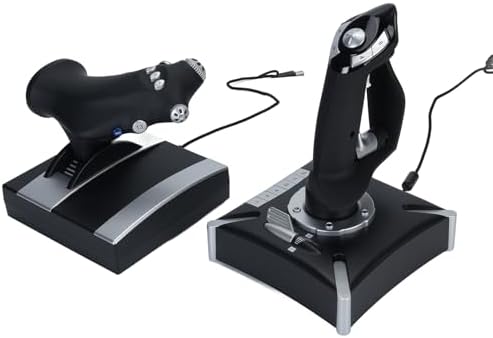
A joystick can combine several controls into one relatively compact device. Many models include buttons, a small throttle lever, a hat switch and a twist axis.
That makes a flight stick one of the simplest ways to move from keyboard controls to physical flight controls.
If you are completely new to flight simulation, a joystick with a twist axis and built-in throttle can let you learn the basics before investing in a larger cockpit setup.
2. What Does a Yoke Do?
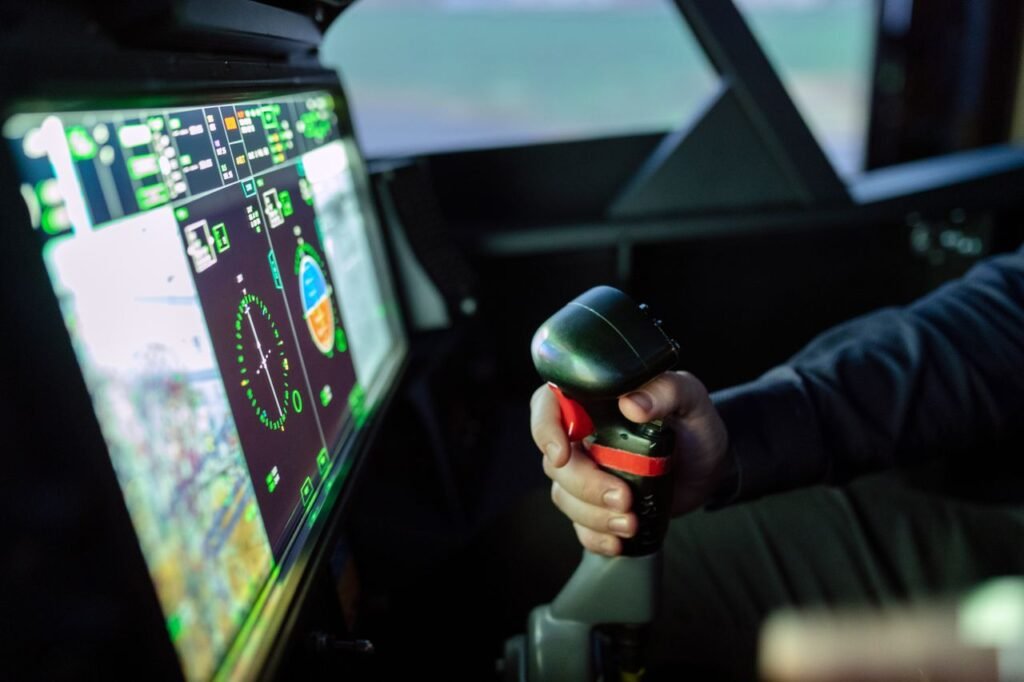
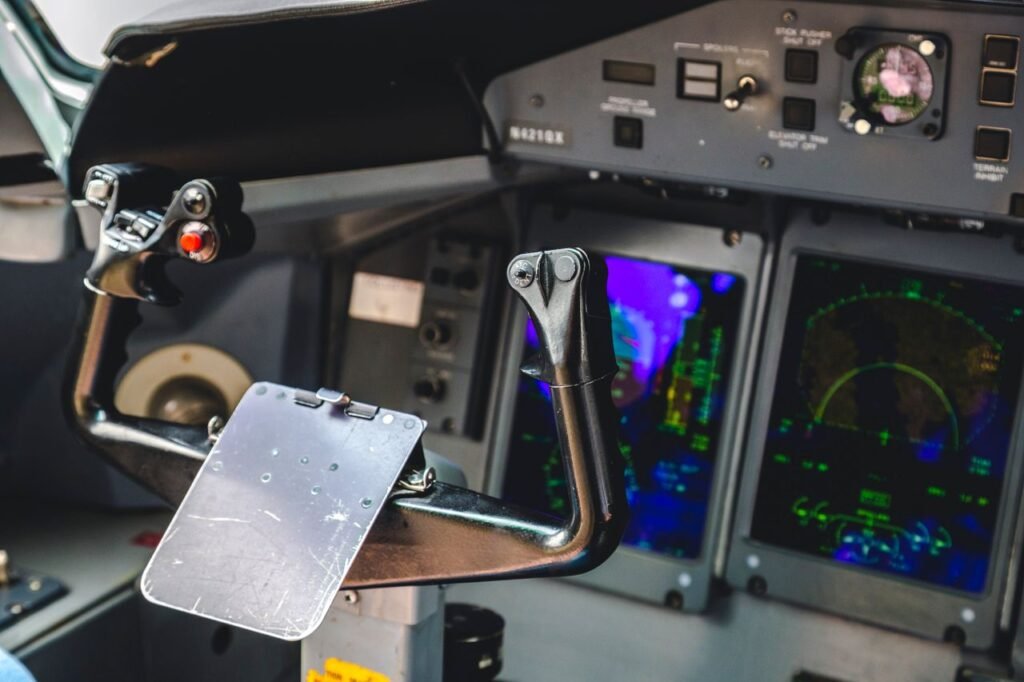
A yoke also controls pitch and roll, but its physical design resembles the controls found in many general aviation and transport aircraft.
Pulling the yoke toward you commands nose-up pitch, while pushing it forward commands nose-down pitch. Rotating the yoke left or right controls roll.
For someone primarily interested in aircraft that use yokes in real life, this control style can make the simulator feel more familiar.
Joystick vs Yoke: Which Should You Choose?
Neither is automatically better. The right choice depends on the aircraft you enjoy flying, your available space and your budget.
🕹️ Choose a Joystick If…
You want a compact and versatile controller, enjoy aircraft that use sticks, or want a relatively simple beginner setup.
✈️ Choose a Yoke If…
You mainly fly aircraft that use yokes and want your physical control layout to resemble that style more closely.
You do not need both to start. Buying one good primary controller is usually more useful than buying several inexpensive controls immediately.
3. What Does the Throttle Control?
The throttle is used to control engine power.
Basic flight sticks may include a small throttle slider or lever. More advanced setups use a separate throttle quadrant with larger levers and additional controls.
A dedicated throttle can make power adjustments easier and more intuitive, especially during takeoff, approach and landing.
Do Beginners Need a Separate Throttle?
Not necessarily.
If your joystick includes a usable throttle control, that can be enough while you learn basic aircraft handling.
A separate throttle becomes more attractive when you want more precise control, additional buttons or multiple levers.
4. What Are Rudder Pedals?
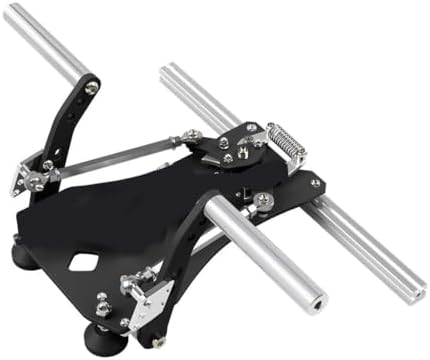
Rudder pedals provide physical control of the aircraft’s yaw axis.
Pressing the left or right pedal commands the rudder in the corresponding direction. Depending on the simulated aircraft and hardware configuration, pedals can also be used for ground steering.
Many flight-simulator pedal sets additionally provide independent toe-brake axes, allowing left and right braking to be controlled separately.
Why Rudder Control Matters
The rudder is not simply a ground-steering device.
It is part of coordinated aircraft control and becomes especially noticeable in situations such as crosswind operations, takeoff, landing and some maneuvering.
Dedicated pedals also free your hands from using a joystick twist axis for rudder input.
5. What Is Pitch?
Pitch describes movement of the aircraft’s nose up or down around its lateral axis.
In a typical simulator setup, pitch is controlled by moving a joystick forward and backward or pushing and pulling a yoke.
This is one of the primary control inputs you will use throughout a flight.
6. What Is Roll?
Roll is rotation around the aircraft’s longitudinal axis.
Moving a joystick sideways or rotating a yoke commands the aircraft to roll left or right.
Roll control is fundamental when entering and leaving turns.
7. What Is Yaw?
Yaw is movement of the aircraft’s nose left or right around its vertical axis.
In a home simulator, yaw may be controlled with dedicated rudder pedals, a joystick twist axis, buttons or another assigned control.
Dedicated pedals generally provide a more aircraft-like physical method of controlling this axis.
Pitch, Roll and Yaw at a Glance
| Axis | Movement | Typical Sim Control |
|---|---|---|
| Pitch | Nose up / nose down | Joystick or yoke forward/back |
| Roll | Aircraft banks left / right | Joystick or yoke left/right |
| Yaw | Nose moves left / right | Pedals or joystick twist |
8. Do You Need a Yoke and Rudder Pedals Together?
A yoke normally does not provide the same twist-rudder function commonly found on many joysticks.
Therefore, a dedicated set of pedals can be particularly useful in a yoke setup. Without pedals, you may need to assign rudder control to another input or use simulator assistance features.
You can still begin with a yoke alone if your software and control configuration allow it, then add pedals later.
9. What Is a Throttle Quadrant?
A throttle quadrant is a separate controller containing one or more levers.
Depending on the hardware and aircraft being simulated, those levers can be assigned to throttle, propeller, mixture, speed brake, flaps or other functions.
More complex quadrants can also support multi-engine configurations.
The advantage is not simply realism. Larger physical controls can make important adjustments easier to perform without searching for keyboard commands.
10. What About Flaps?
Flaps are aircraft controls used in specific phases of flight according to the aircraft’s procedures and operating limitations.
In a simulator, flaps can be assigned to buttons, switches, keyboard commands or a dedicated lever.
A beginner does not need a physical flap lever. Assigning the function to an accessible button is usually enough while learning.
11. What About Trim?
Trim is another important concept that beginners often overlook.
Rather than continuously holding significant control pressure in one direction, proper trim helps establish a more balanced control condition.
Simulator hardware may provide a trim wheel, rotary control or buttons. Even if you do not own a physical trim wheel, make sure the trim controls are mapped somewhere easy to reach.
If you constantly feel like you are fighting the virtual aircraft with the joystick or yoke, check your trim and control calibration before assuming you need new hardware.
12. What Is a Hat Switch?
The small directional switch found on many joysticks and yokes is commonly called a hat switch.
It can be assigned to different functions, but beginners frequently use it to move the camera view around the cockpit or outside the aircraft.
This can be particularly helpful if you use only one monitor and do not have head-tracking hardware.
13. Buttons Matter More Than You Think
A controller with useful buttons can reduce how often you need to reach for the keyboard.
Frequently used functions might include views, trim, flaps, landing gear, brakes or other commands appropriate to the aircraft.
Avoid assigning dozens of controls immediately. Start with functions you use on nearly every flight and expand gradually.
14. Do You Need Expensive Controls?
No. Expensive hardware can improve feel, build quality, precision or immersion, but it is not required to learn the basics of flight simulation.
A simple controller configured correctly can provide a much better experience than expensive equipment with poor calibration and confusing control assignments.
Upgrade when you can clearly identify what your current setup is preventing you from doing comfortably.
15. Best Upgrade Order for a Beginner
If you are starting with almost nothing, a gradual approach can keep the setup affordable.
Simple Upgrade Path
- Step 1: Joystick or yoke
- Step 2: Dedicated throttle if needed
- Step 3: Rudder pedals
- Step 4: Better viewing solution or additional display
- Step 5: Specialized controls only when you need them
The exact order can change. For example, someone purchasing a yoke may value rudder pedals sooner than a person using a joystick with a twist axis.
16. Configure Your Controls Before Your First Serious Flight
New hardware does not always work exactly the way you expect immediately.
Open the simulator’s control settings and verify each axis. Move the joystick, yoke, throttle and pedals individually and confirm that the simulator recognizes the correct input.
Check for duplicated assignments as well. Two devices controlling the same axis accidentally can create confusing behavior.
17. Calibrate Before Replacing Hardware
If the virtual aircraft drifts or the controls do not center correctly, inspect calibration and simulator settings before assuming the controller is defective.
Depending on your hardware and software, you may be able to adjust dead zones, sensitivity curves and other response settings.
Make small changes and test them. Extreme sensitivity adjustments can make aircraft control harder rather than easier.
18. Match the Hardware to the Aircraft You Enjoy
There is no universal simulator cockpit that perfectly represents every aircraft.
A yoke may feel appropriate for one aircraft while a flight stick better resembles another. Throttle configurations also vary widely.
Unless you are building a highly specialized cockpit, accept that a home setup will usually be a compromise.
Choose controls that work well for the aircraft you fly most frequently.
A Simple Beginner Setup
| Component | Start With | Upgrade Later |
|---|---|---|
| Primary Control | Joystick or yoke | Higher-end model if desired |
| Throttle | Built-in controller throttle | Dedicated throttle quadrant |
| Rudder | Joystick twist or assistance | Dedicated rudder pedals |
| Views | Hat switch / mouse | Additional display or head tracking |
| Extra Controls | Keyboard and controller buttons | Panels and specialized hardware |
What Should You Buy First?
If you are starting from a keyboard and mouse, the primary flight control usually creates the biggest change in how the simulator feels.
For many beginners, that means starting with either a joystick or a yoke. The decision between them should be based primarily on your preferred aircraft, available desk space and budget.
Once you have used the simulator for a while, it becomes much easier to identify whether a throttle, pedals or another upgrade would actually improve your experience.
Frequently Asked Questions
Is a yoke better than a joystick for flight simulator?
Not universally. A yoke can better resemble the control style of aircraft that use yokes, while a joystick is compact, versatile and often easier for a beginner setup.
Do I need rudder pedals for flight simulator?
No. You can begin without dedicated pedals, especially if your joystick has a twist axis. Pedals can later provide a more natural physical method of controlling yaw and braking functions.
Can I play flight simulator with only a joystick?
Yes. Many joysticks provide pitch, roll, twist rudder, throttle and multiple buttons in a single device, making them suitable for a basic setup.
Should I buy a throttle quadrant immediately?
Not necessarily. If your existing controller includes a usable throttle, learn with it first. A dedicated quadrant can be added when you want more precise or specialized engine controls.
What is the most important flight simulator control for a beginner?
A physical primary flight controller — either a joystick or yoke — is a practical starting point because it replaces keyboard inputs for pitch and roll with more intuitive physical movement.
Build Your Simulator One Control at a Time
You do not need a complete home cockpit to enjoy flight simulation. Start with a reliable primary controller, learn what pitch, roll, yaw, power and trim actually do, and configure the hardware correctly.
Once you understand your own flying preferences, choosing the next upgrade becomes much easier. The goal is not to own the most equipment — it is to build a setup that makes the aircraft you enjoy flying more intuitive and engaging.